
How do I access the results page?
To access your Brain Gauge scores, click on the Pro or Rx icon in the upper right-hand corner of the ProTools app. From the slide-out menu, select Analyze results.
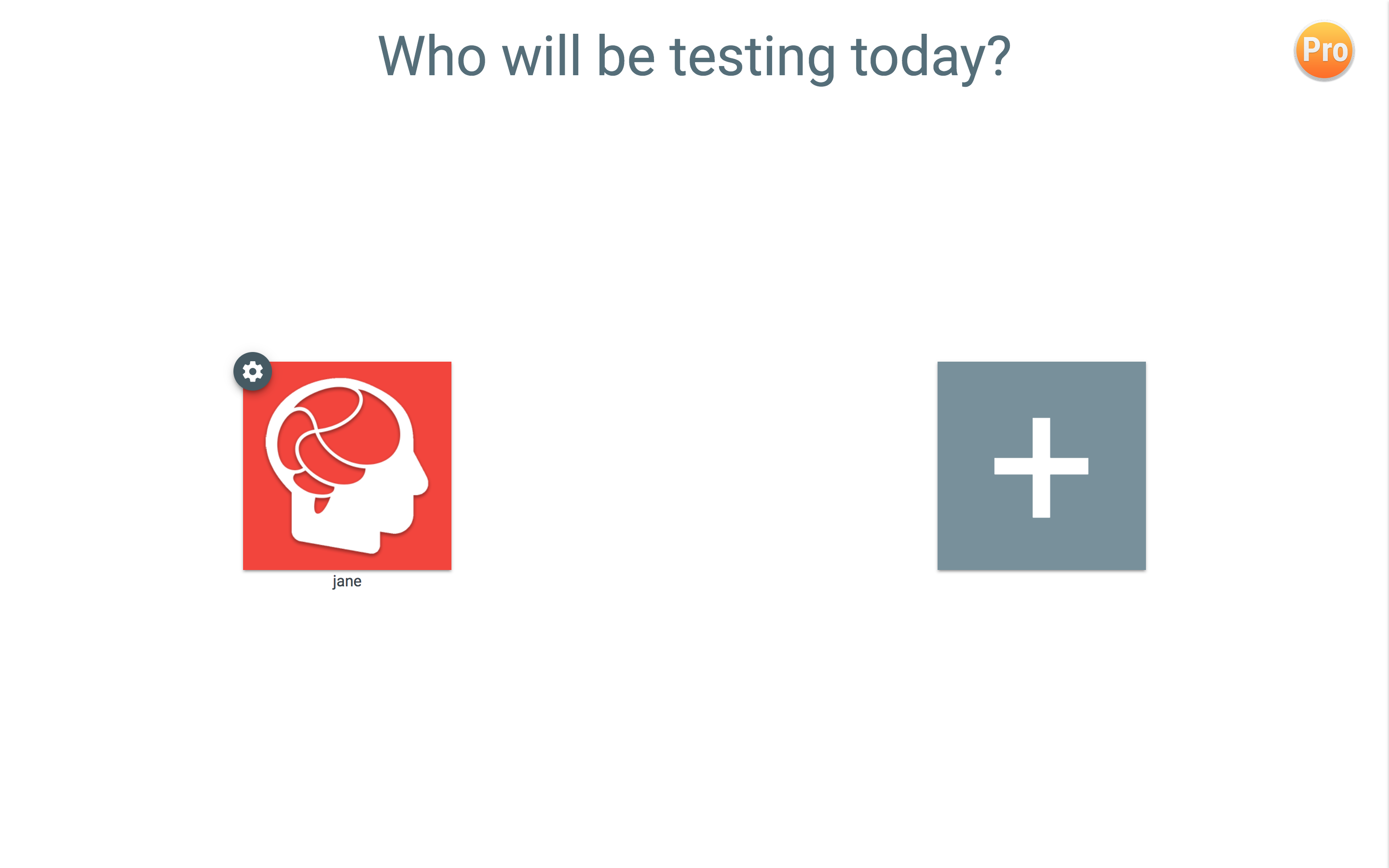
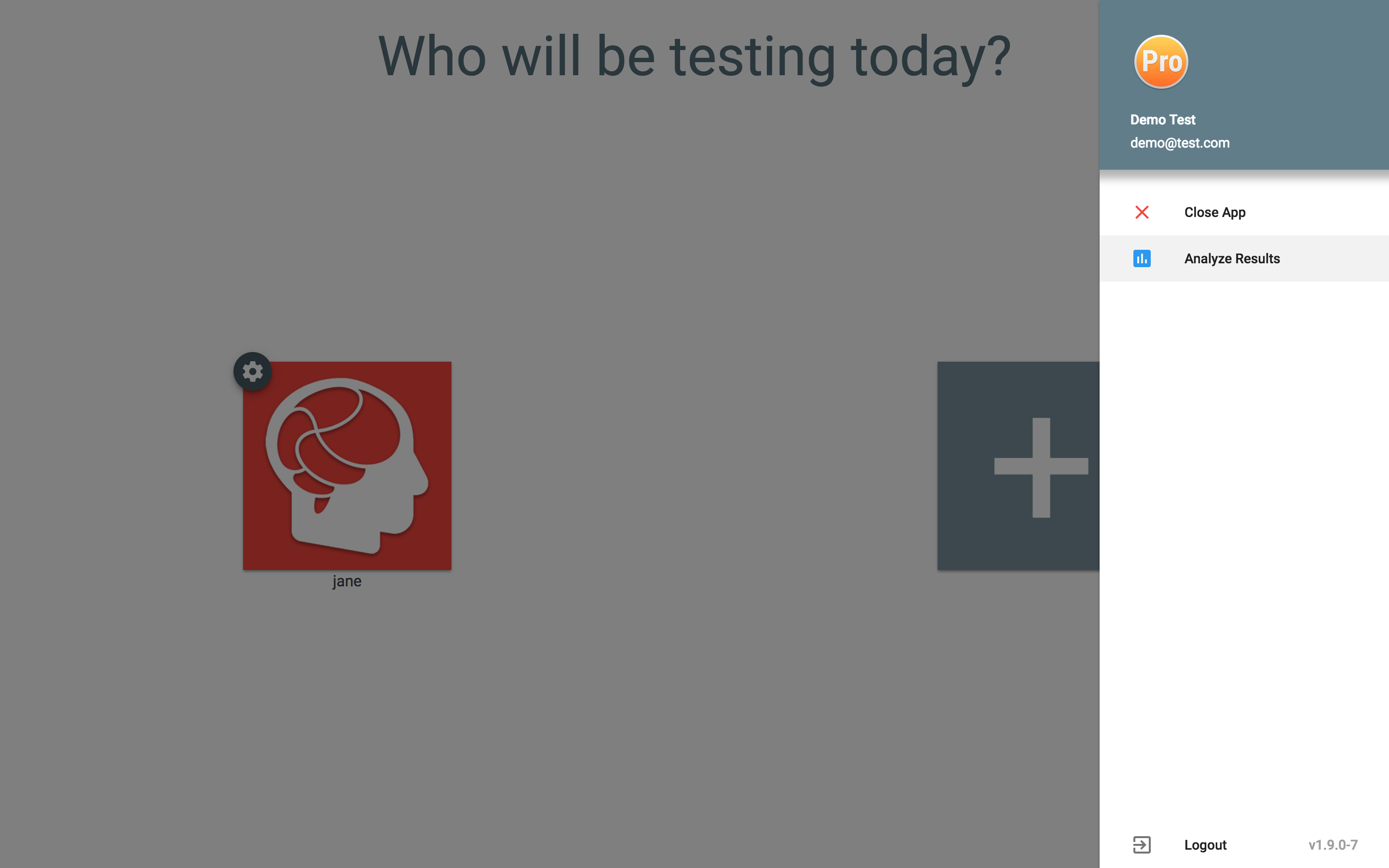
To access your Brain Gauge scores, click on the Pro or Rx icon in the upper right-hand corner of the ProTools app. From the slide-out menu, select Analyze results.
Can't find what you're looking for? Our team is happy to help.